


How to transfer iPod music to iTunes on Mac

I have an ipod classic older version that has a lot of music files that I would like to transfer to my iMac. So I can replace my ipod Classic with a newer one and not lose any music. This ipod classic is synced to iTunes on another iMac which is no longer used. I don't want all the contents wiped out by my current iTunes. Fortunately, I transfer all the music back to iMac without rewriting iPod's content using this iPod to iTunes transfer software. Let's see how it works.
Step-by-step Guide: How to transfer iPod music to iTunes on Mac?
Free Download 4Media iPod to Mac Transfer
Step 1: Firstly run 4Media iPod to Mac Transfer and connect your iPod
After doing this, you can see your iPod is recognized automatically and all the device info are got and shown in the main interface as you can see below.
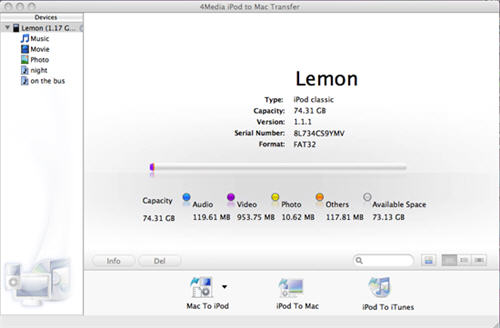
Step 2: Choose the files and copy to iTunes
Check the songs or movies or photos in the files list and click the last "iPod to iTunes" button on the bottom. Then the files you choose will be added to your iTunes library fast.
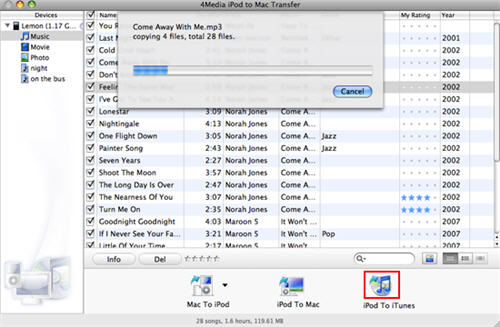
Everything is easy.
Free download the iPod to Mac transfer to try out yourself. The iPod transfer software works on iPod nano, iPod classic, iPod shuffle, iPod touch and even iPhone.
